Waves built by your rules, released on your call
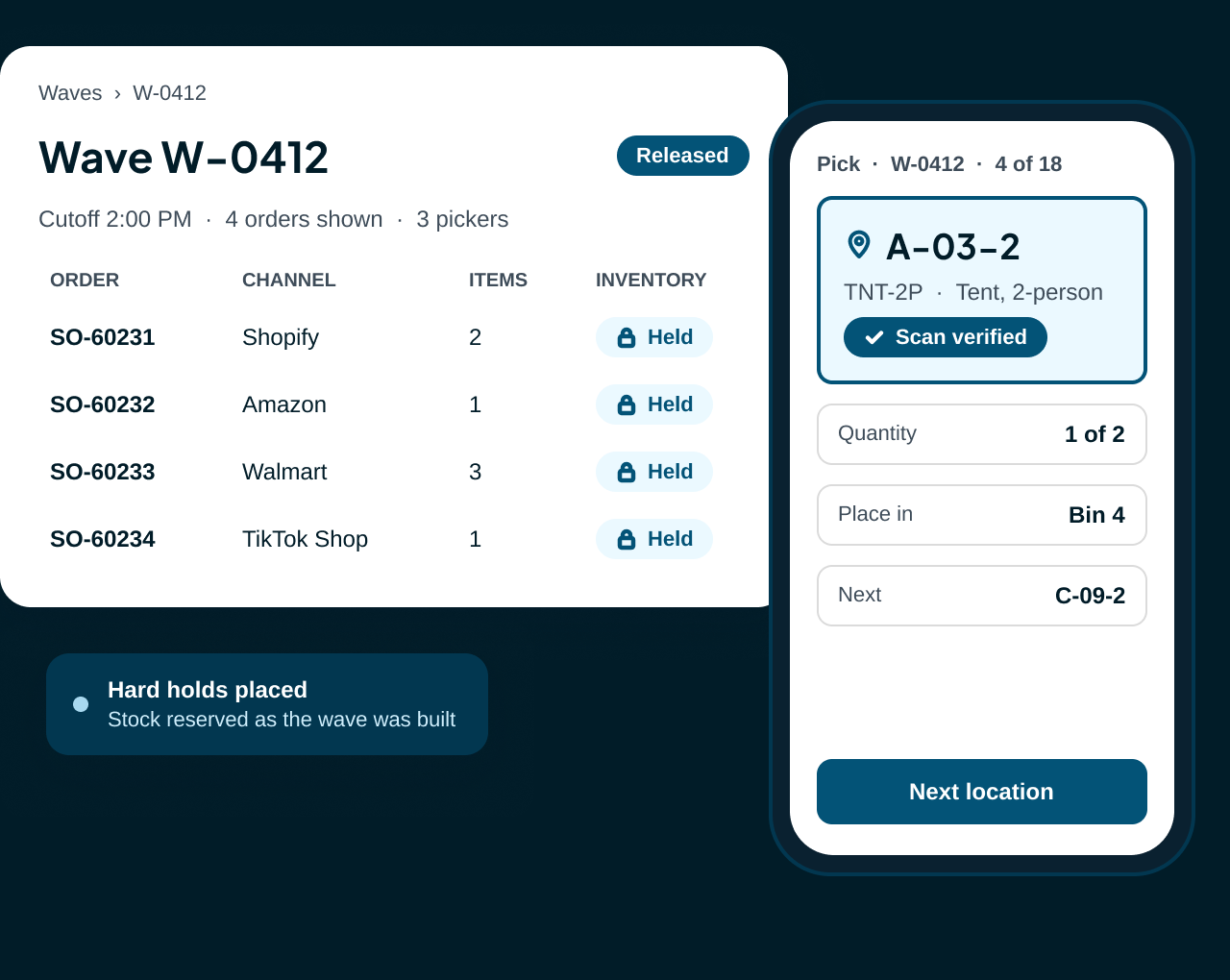
Your rules decide which orders go first, which pick together and when the floor gets them. Pickers follow each wave bin by bin on the mobile app, with every pick scan checked.









Work hits the floor sorted, not in a pile
When batching lives in a spreadsheet or a supervisor's head, rush orders wait behind easy ones and pickers cross the building twice. In ShipWise, the wave engine sorts the queue by your rules and holds the stock before anyone starts walking.
From single-item rushes to big mixed orders
A quiet Tuesday or a flash sale, the same engine sorts the queue. Your rules decide how.
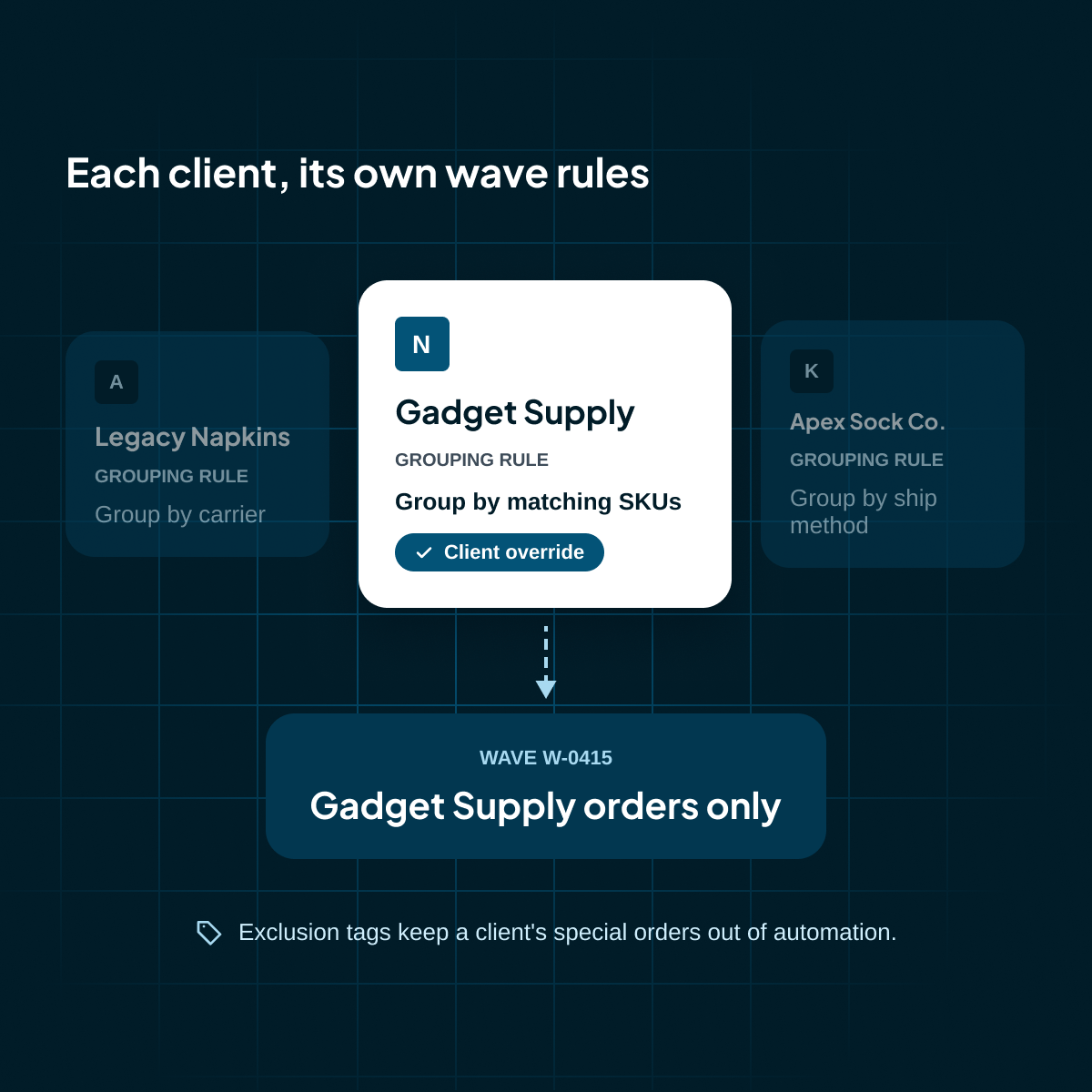
Group waves by client, override grouping rules client by client, and keep a client's special orders out of automation with exclusion tags.
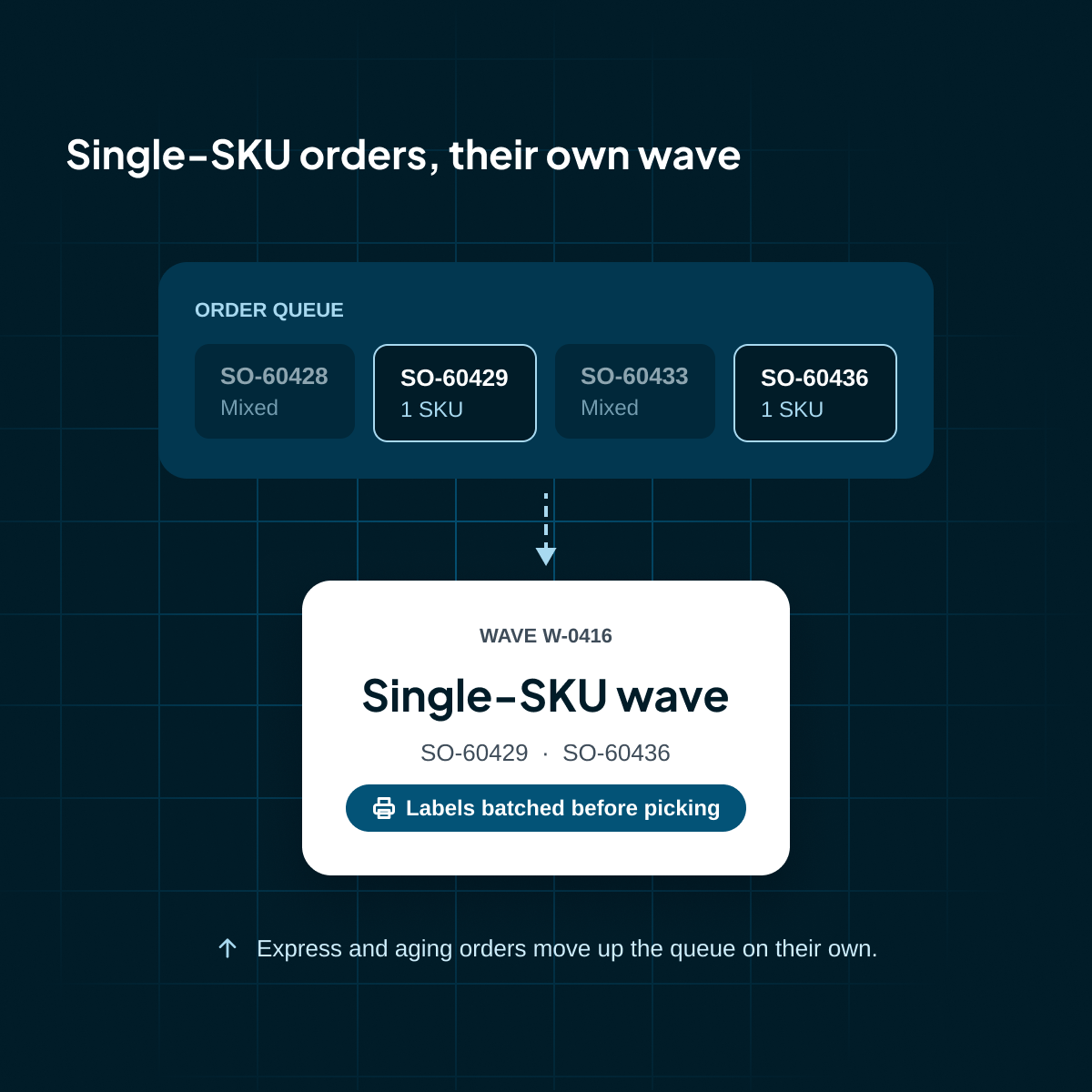
Give single-SKU orders their own waves, print their labels before picking, and let express and aging orders jump the queue on their own.
Cap waves by units or order lines, keep hazmat orders in their own waves, and release on a schedule that fits each shift.

Everything that gets work onto the floor
Rules set in the portal, work done on the mobile app, progress visible to everyone.
Priority rules
Boost express and aging orders, lift tagged orders, and decide whether backorders wait or ride along.
Grouping rules
Group by client, ship method, matching SKUs or tags, and keep nearby pick locations together in walk order.
Wave size and timing
Set minimum and maximum orders, cap units and lines, and run on a schedule or on demand.
Release your way
Release right away, on a schedule, when ship-by gets close, or only after a supervisor approves.
Rule preview and AI Tune-Up
Test a rule change on real orders without holding stock, and review the changes ShipWise AI suggests.
Live wave board
Progress bars, At Risk flags and holds, with a priority setting that reorders every picker's queue.
Every pick checked at the shelf
The wave lands in the picker's queue on the mobile app. It walks them bin to bin in walk order and checks every scan, so a mispick gets caught at the shelf, not at the customer's door.
Build the wave
The engine groups queued orders by your rules and holds the inventory as it builds.
Release and assign
Release the wave to a named picker, or leave it in the pool for anyone to claim.
Pick in walk order
The picker scans each bin and each unit. Wrong bins and wrong products are refused on the spot.
Fill the order bin
Units go into the order bin the system assigned, with serials scanned one per unit.
Hand off to packing
When the last pick is done, the picker sends the wave to packing or packs it right away.
Elevate Fulfillment used multiple solutions before implementing ShipWise. The web interface, desktop application, and expansive features have made ShipWise the ideal partner for Elevate Fulfillment's multi-client eCommerce facilities. Additionally, the Implementation and Support Teams are amazing and continue to be second to none.

ShipWise is the third shipping software we've used in production environment over the last 7 years, and is by the far the best I've encountered. As a 3PL, we ship thousands of packages per day, with the need to account for a multitude of variables in our order data at any given time. DSX has inherently been able to handle these situations in most cases, and the ShipWise team has generally been able to accommodate even our edge cases. Not only would I recommend the software, I have provided real time demonstrations of its usage to mutual 3rd parties.

Our experience has been great. Like any software, issues pop up here and there, but they are great with communication and quick to fix it. I'd recommend them to anyone over their competitors! We have been using ShipWise for almost 10 years and there is a reason we are still with them. No one can print labels faster! We have shipped as many as 3000 packages with just 6 stations in a day - no other software could do that! Because of their auto rate shop feature, we are able to ship over 80% of our orders without even touching anything on the computer. You place the item and package on the scale, scan the packing slip barcode, and within 5 seconds the label is printed! BOOM.

ShipWise has enabled us to save money by knowing exactly how much a shipment will cost, and by immediately being able to see what is the cheapest shipping method based on the shipping rules we have implemented in the software. It makes shipping a very easy process for new employees. ShipWise has a team of wonderful staff that are willing to help us overcome any obstacles we face with shipping. Highly recommended. Pros include: - Ability to rate shop all carriers - Easy integration into our order fulfillment software (StoneEdge) - Great customer support -Their team is willing to customize features for our needs - Ability to connect multiple databases for 3PL needs.

Very positive overall experience. Over the past 8 years, we have shipped over 600,000 parcels using this software. For a large shipping operation I would highly recommend ShipWise. The rate shopping feature saves a lot of time and money. It is also a compact interface that is very easy to use. It is easy to get new employee up to speed, and ensures items are shipped with the correct postage class.

Out of the box, DSX was a solid solution for us. I could see from our initial demo that it was going to meet our needs...They worked hand-in-hand with us to make a program that quite literally does EVERYTHING we need it to. In a world of close-box software solutions, this was so refreshing.

Every channel's orders in one wave queue
Stores, marketplaces and your ERP send orders into one queue, so the wave engine sorts all of them by the same rules.


FAQs
Have questions? We have answers.
Can I still create waves by hand?
Yes. Run the engine on demand from the Waves page, or build a wave by hand from the Orders grid.
What happens when a pick location runs short?
The picker reports it in two taps and moves to the next pick. A supervisor resolves it. Separately, when a wave can't reserve stock at a pick face, the engine creates a restock move on its own.
Can I hold a wave back?
Yes. A hold blocks release from the portal, bulk actions and the mobile app until you lift it. It won't stop a picker who's already working the wave.
What's the difference between a wave and a batch?
A wave is picking work for the floor. A batch prints shipping labels up front, so simple orders like single-SKU waves skip pick and pack and go straight to ready to ship.
Do pickers choose their own work?
They can. Up Next suggests the highest-priority job, and pickers can open their assigned waves or claim one from the pool.

Take the risk out of going live
We review your warehouse workflows, systems and volumes to plan a setup that fits how your floor runs today.
From locations and handhelds to carrier accounts, we guide setup end-to-end for a smooth go-live.


